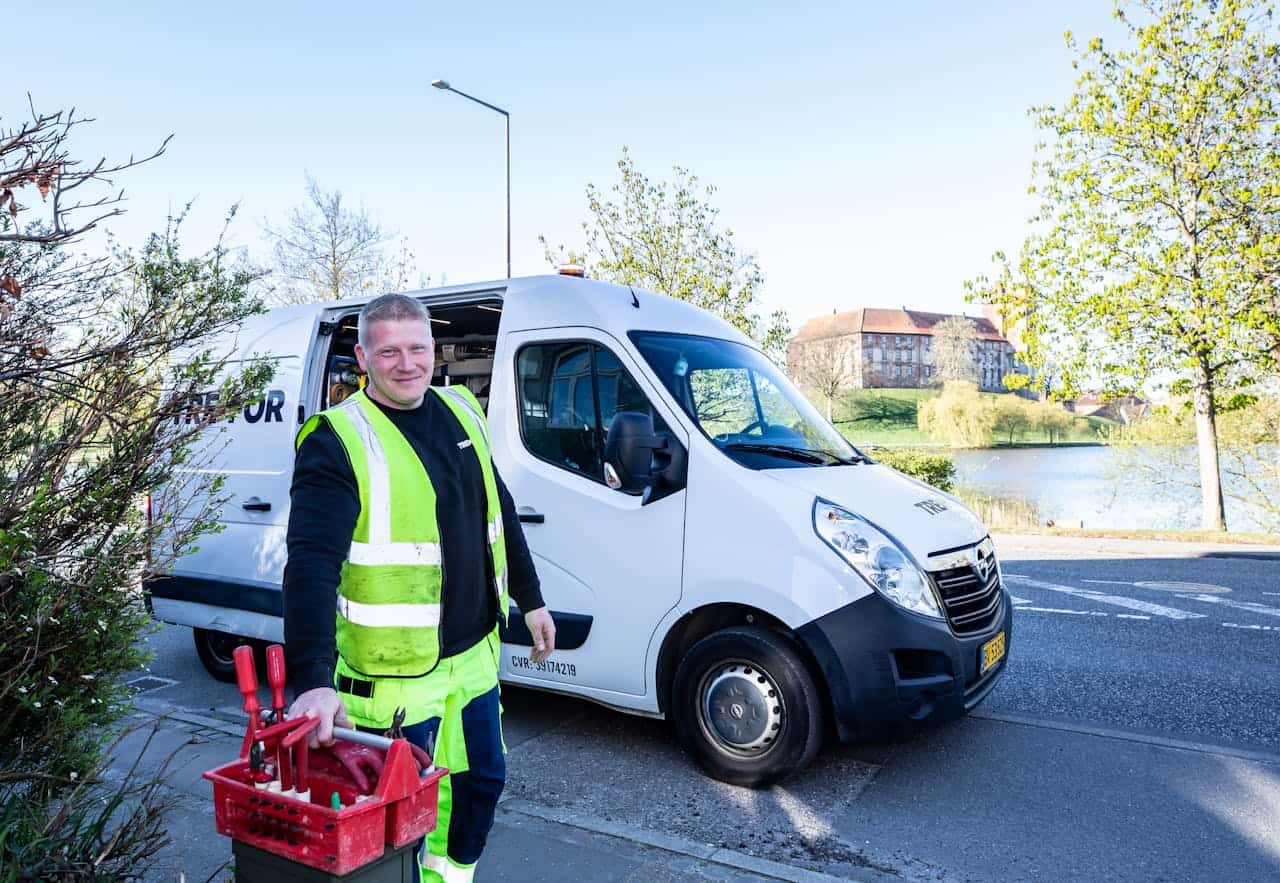
AI tools for local service businesses help companies such as plumbers, electricians, HVAC technicians, and home repair providers manage operations more efficiently. Many local service companies still rely on manual processes for scheduling, customer communication, and lead management. These processes require constant attention, often create delays, and increase the risk of missed appointments or lost inquiries. As customer expectations for quick responses increase, manual systems struggle to keep pace.
When local businesses integrate AI tools into their operational stack, they can automate routine tasks while maintaining control over service delivery. Scheduling systems update calendars automatically, communication tools respond to inquiries quickly, and customer management platforms track every interaction. As a result, technicians focus on completing jobs while the system manages coordination in the background.
This guide explains how AI tools for local service businesses support daily operations. It examines the operational challenges in this industry, outlines practical tools that address those challenges, and shows how these tools connect into automation workflows that reduce administrative work and improve customer response time.
Operational Challenges in Local Service Businesses
Local service businesses operate in environments where timing, coordination, and communication directly affect revenue. A typical day includes receiving customer calls, scheduling service visits, confirming appointments, dispatching technicians, and processing invoices. When these steps rely on manual coordination, mistakes appear quickly. A missed message can lead to a lost customer, and a scheduling error can disrupt the entire workday.
Another common challenge involves fragmented communication channels. Customers often contact service providers through websites, messaging apps, phone calls, and social media. When businesses manage these channels separately, information becomes scattered. Staff members must search through messages to find customer details, which slows response time.
AI tools help resolve these issues by centralizing communication and automating repetitive coordination tasks. When tools connect through integrations, each system shares data with the others. As a result, the entire operation functions as a connected workflow rather than a set of isolated tasks.
Recommended AI Tools for Local Service Businesses
| Tool | Best For | Pricing | Key Strength | Limitation |
|---|---|---|---|---|
| Housecall Pro | Field service management | Subscription | Scheduling and dispatch automation | Limited customization for complex workflows |
| Jobber | Job tracking and invoicing | Subscription | Customer management and scheduling | Advanced automation requires integrations |
| Calendly | Appointment booking | Free and paid tiers | Automated scheduling and calendar sync | Requires CRM integration for full workflows |
| HubSpot CRM | Customer relationship management | Free and paid tiers | Contact tracking and automation | Advanced automation available in paid plans |
| Zapier | Workflow automation | Free and paid tiers | Connects multiple tools into workflows | Complex workflows require careful configuration |
Housecall Pro for Field Service Operations
Housecall Pro provides a centralized system for scheduling, dispatching, and managing field service operations. Local service businesses often coordinate technicians manually through phone calls or text messages. This process works when the company handles a small number of daily jobs, yet it becomes difficult to manage as the business grows.
Once configured, Housecall Pro allows businesses to assign jobs to technicians through a visual dispatch board. Each appointment includes customer details, service notes, and location data. Technicians receive job information through a mobile application, which removes the need for manual coordination between office staff and field teams.
The system also tracks job progress in real time. When technicians complete a task, the system updates job status automatically. Office staff can immediately schedule the next appointment or trigger follow up communication. This visibility improves scheduling accuracy and reduces administrative overhead.
Jobber for Job Tracking and Customer Management
Jobber focuses on job tracking, quoting, and invoicing for service businesses. Many companies manage these processes separately using spreadsheets, email, and accounting software. As operations expand, tracking customer history becomes difficult.
Jobber centralizes customer records and service history inside one platform. When a new request arrives, staff members can access previous job details instantly. This information allows technicians to prepare before arriving at the customer location.
Once a job is completed, Jobber generates invoices automatically and sends them to customers through email. The system records payments and updates customer records without manual entry. Over time, the platform builds a structured database of customer interactions that supports future marketing campaigns.
Calendly for Automated Appointment Scheduling
Scheduling remains one of the most time consuming tasks in local service operations. Businesses often exchange multiple messages with customers before confirming an appointment time. This communication delays confirmation and increases the risk of scheduling conflicts.
Calendly simplifies this process by allowing customers to book appointments directly through an online calendar. The system connects to business calendars and displays available time slots. When a customer selects a time, Calendly creates the appointment automatically and blocks the slot across all connected calendars.
Automated confirmations and reminders reduce missed appointments. Customers receive notifications before scheduled visits, which improves attendance rates and helps technicians plan their routes efficiently.
HubSpot CRM for Customer Relationship Management
HubSpot CRM helps local service businesses organize customer interactions and track leads from the first contact to completed service. Without a CRM system, many companies store customer details in scattered notes or email threads.
When integrated with scheduling and communication tools, HubSpot records each interaction automatically. A booking event creates a contact record, and the system logs emails, calls, and service updates in the same profile. This unified view allows businesses to understand customer history and identify repeat clients.
Automation features also support follow up communication. After a service visit, the system can send review requests or maintenance reminders automatically. These automated interactions strengthen customer relationships while reducing manual outreach.
Zapier for Connecting Operational Systems
Most local service businesses rely on several digital tools that perform different functions. Without integration, staff members must move information manually between systems. This repetitive data entry increases the risk of errors.
Zapier acts as an automation layer that connects separate applications. When a trigger occurs in one system, Zapier performs an action in another system. For example, when a customer schedules an appointment through Calendly, Zapier can create a contact in HubSpot and generate a job entry in a service management platform.
This connection ensures that all systems share the same information. As a result, businesses reduce administrative work while maintaining consistent records across platforms.
AI Automation Opportunities for Local Service Businesses
When these tools integrate into a single workflow, local service businesses can automate several operational processes. Appointment booking represents one of the most effective starting points. Customers select available time slots through an online calendar, and the system records the appointment instantly.
After the booking occurs, automation triggers update the CRM, notify technicians, and send confirmation messages to customers. As the appointment date approaches, reminder notifications reduce the likelihood of missed visits. Once the service is completed, the system generates invoices and sends feedback requests automatically.
Another opportunity involves lead response automation. AI chatbots can answer common questions on business websites and collect service requests from visitors. These requests then flow directly into the scheduling and CRM system, where staff members can review them without monitoring multiple communication channels.
Implementation Roadmap for Local Service Businesses
Businesses can implement AI tools gradually to avoid operational disruption. The first step involves selecting a scheduling tool that synchronizes with the company calendar. Once scheduling automation functions reliably, the next stage introduces a CRM system to track customer interactions.
After these systems operate together, businesses can integrate workflow automation tools that connect scheduling events with customer management platforms. This integration ensures that booking data flows automatically between systems.
Over the following weeks, companies can introduce additional automation such as reminder notifications, invoice generation, and review requests. Each improvement reduces manual coordination while maintaining service quality.
How to Choose the Right AI Tools
Local service businesses should evaluate AI tools based on operational needs rather than feature quantity. The first consideration involves business size. Small teams often require simple scheduling and customer tracking systems, while larger operations benefit from advanced dispatch management tools.
Integration capabilities represent another critical factor. Tools that connect easily with existing systems reduce implementation time and minimize operational disruption. Businesses should verify that scheduling platforms, CRM systems, and automation tools support reliable data synchronization.
Scalability also matters. As the business grows, the selected tools must support increased job volume without requiring complete system replacement.
If you want to extend your automation system, you can explore our guide on AI workflows for automating appointment booking. Marketing communication can also improve with structured prompts explained in AI prompts for small business marketing campaigns. For businesses that also provide advisory services, see our guide on AI tools for small consulting businesses.
Frequently Asked Questions
What are the best AI tools for local service businesses
Service companies often rely on scheduling platforms, customer relationship management systems, and workflow automation tools. These tools manage bookings, track customer interactions, and automate communication tasks.
Can AI tools reduce missed appointments
Automated reminders and online scheduling significantly reduce missed appointments. Customers receive confirmation and reminder messages, which improves attendance rates.
Do small service businesses need a CRM system
A CRM system organizes customer information and service history. This data allows businesses to manage repeat clients, schedule maintenance reminders, and track job progress efficiently.
How long does implementation usually take
Most businesses can implement basic scheduling and CRM systems within two to three weeks. Additional automation features can then be added gradually.
AI tools for local service businesses create a structured operational environment where scheduling, communication, and customer management operate through connected systems. By integrating these tools into daily workflows, companies reduce administrative workload while improving response time and service reliability.
1 thought on “AI Tools for Local Service Businesses Such as Plumbers and Electricians”